Decks with pictures, icons, and a pitch recipe
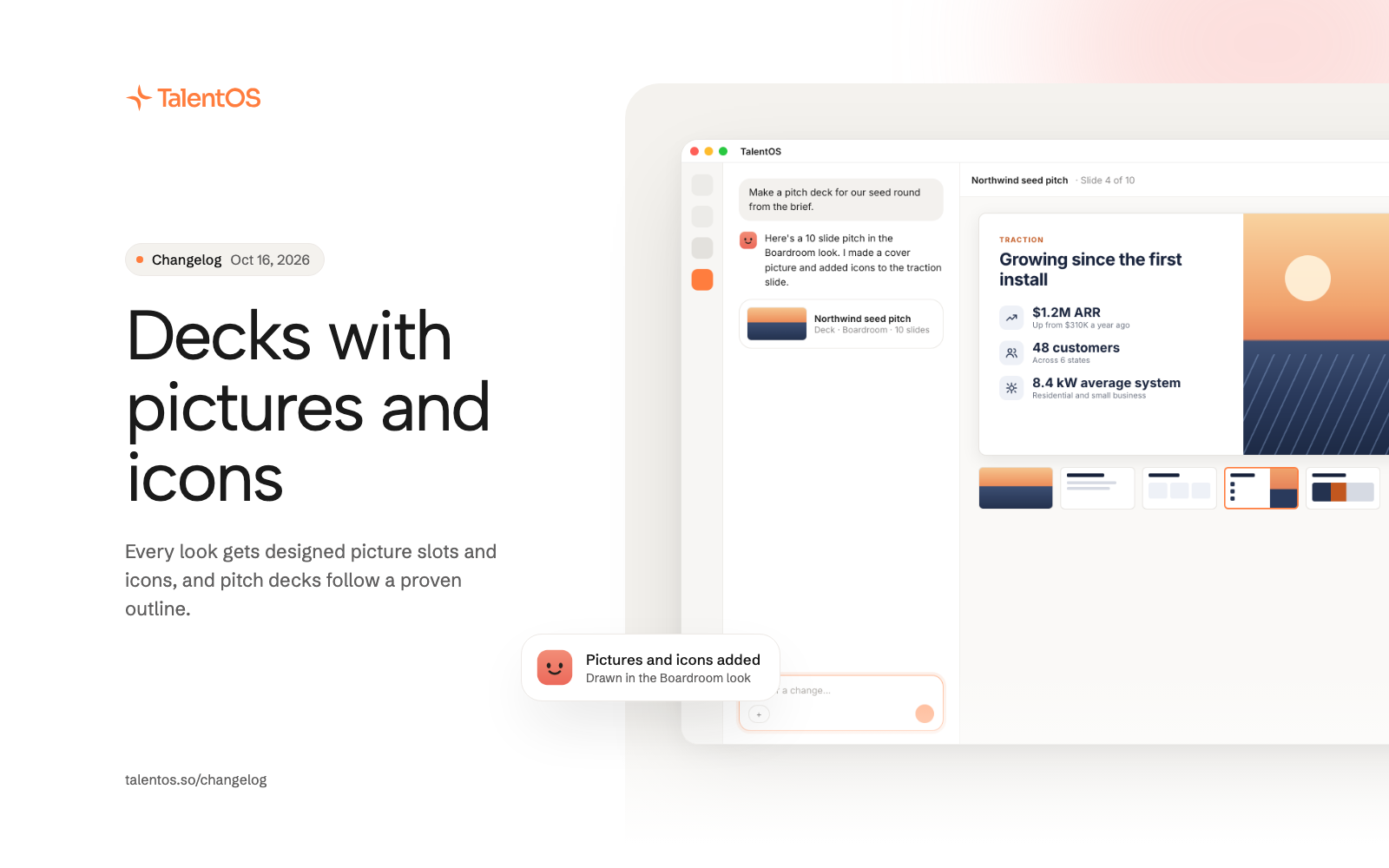
Every deck look now has designed picture slots and icons, pitch decks follow a proven outline, and spreadsheets get two new looks.
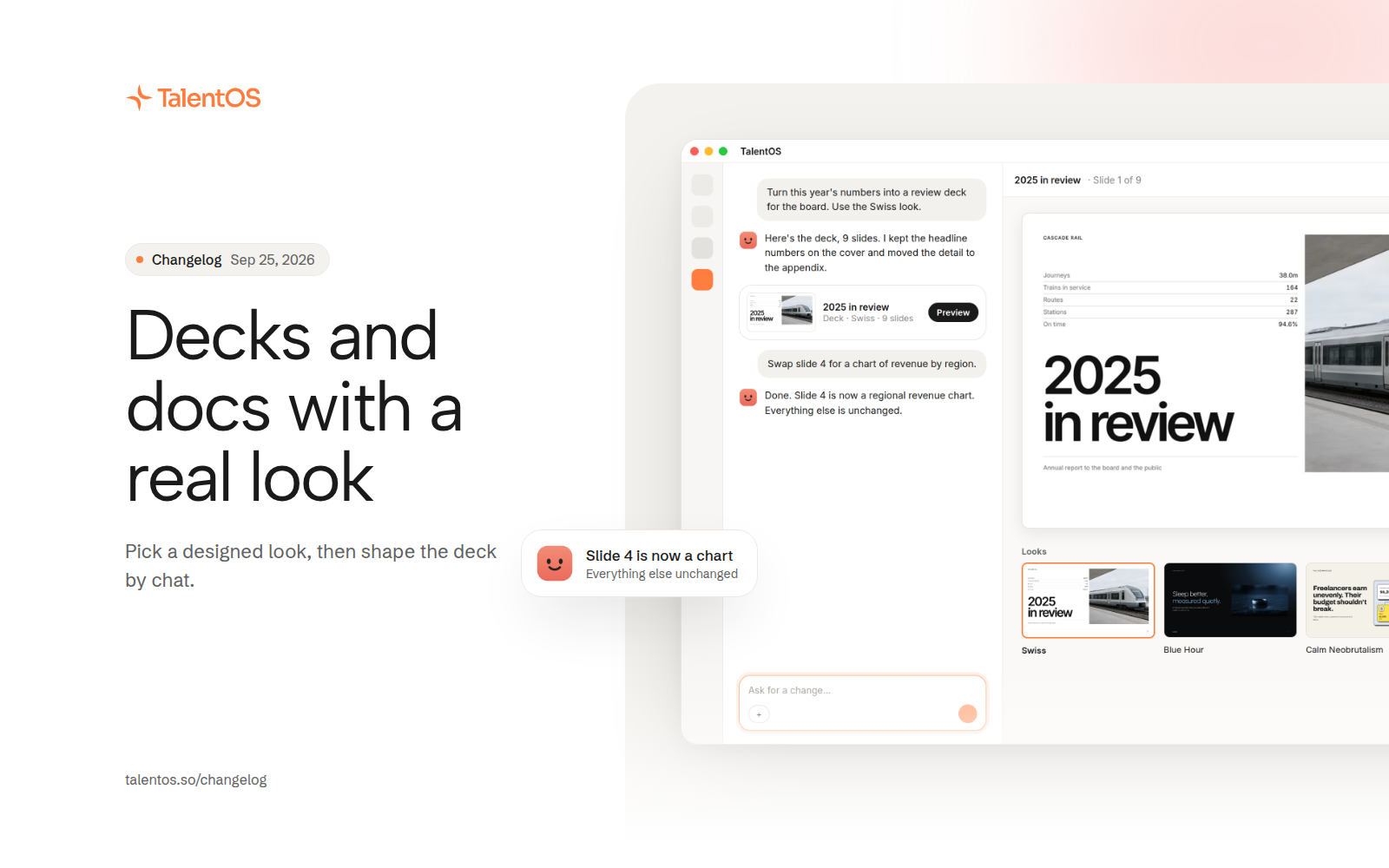
Decks come out looking finished. Every look has room for pictures and icons, and your AI teammate fills them in for you when you don’t bring your own.
Improvements
- Every deck look has designed picture slots: a full picture on cover, section, and closing slides, and a split layout for a picture next to text.
- When you don’t supply pictures, your AI teammate makes a cover picture and one more in the look’s style.
- Figures, steps, and asks can carry an icon drawn to match the look, and icons export with the deck.
- Ask for a pitch deck and you get the Boardroom look with a pitch outline. If the facts are thin, your AI teammate asks for them first. Say “just build it” to skip ahead.
- Short slides sit centered under their title.
- The slide strip sits under a centered slide, with scroll arrows on hover.
- Turning a PDF or deck into a web page keeps the text exactly as written and the pictures as separate files, in a single pass.
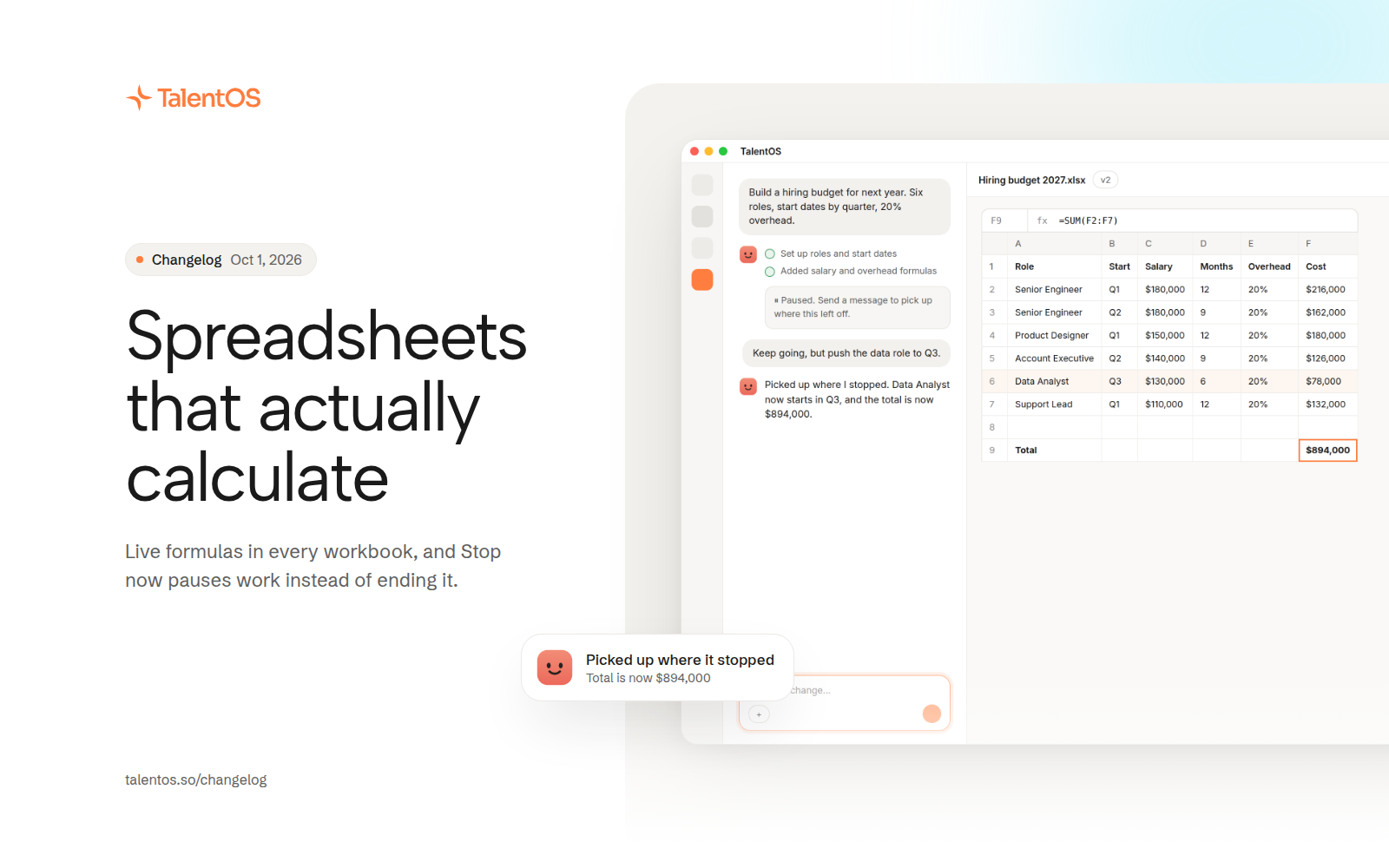
- Spreadsheets get Navy Ink and Berry Board looks, plus starters for invoices, content calendars, expenses, and hiring. Look previews show a real workbook.
Fixes
- No more false “Deck needs another try” card.
- The facts card no longer picks Draft now on its own when it times out.
- Asking again after a hiccup reuses the deck instead of making a duplicate.
- Pen and box marks on a slide stay see-through, so you can read what is under them.
- Charts and tables in a reply that carry a title now show up instead of a fallback line.