Start anything from the + menu
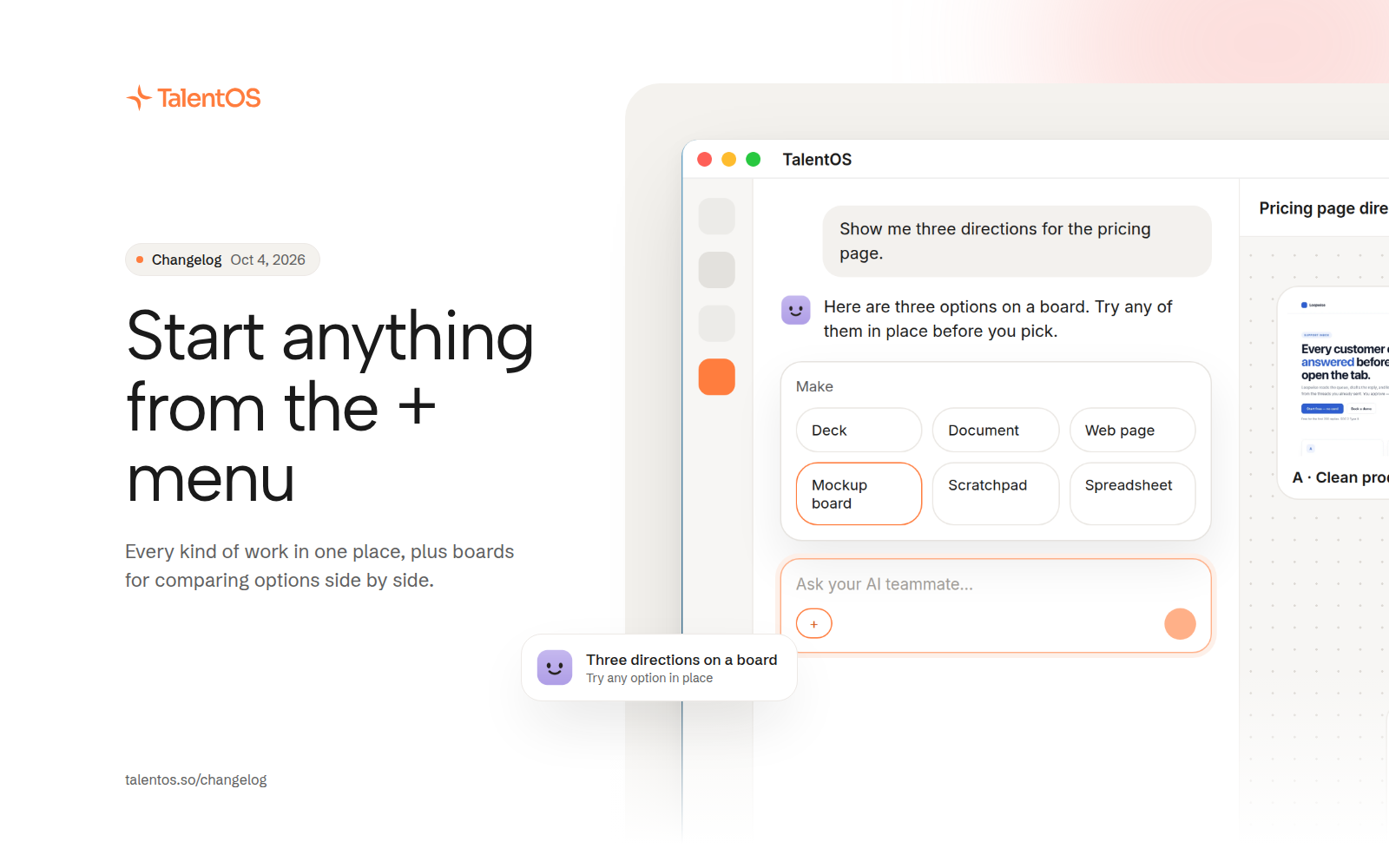
The + menu offers every kind of work as a card, and mockup boards let you compare options and try one in place.
Starting new work is one click. The + menu in the composer and on the home page shows every kind of thing your AI teammate can make, and a new mockup board lays out options side by side.
Improvements
- The + menu shows every kind of work as a card: decks, documents, web pages, spreadsheets, scratchpads, and mockup boards.
- The home page offers the same set, so you can start from there or from a room.
- Ask for options and get a mockup board, with each option on its own page.
- Pan and zoom the board like a canvas, and try any option in place before you pick one.
- Private chats in the sidebar keep pinned chats on top and list the rest by most recent.
Fixes
- Opening a board no longer interrupts the chat.
- An ask for options always becomes separate pages, never one crowded sheet.
- A page started from a room opens in the room’s side panel.