Meeting notes that write themselves
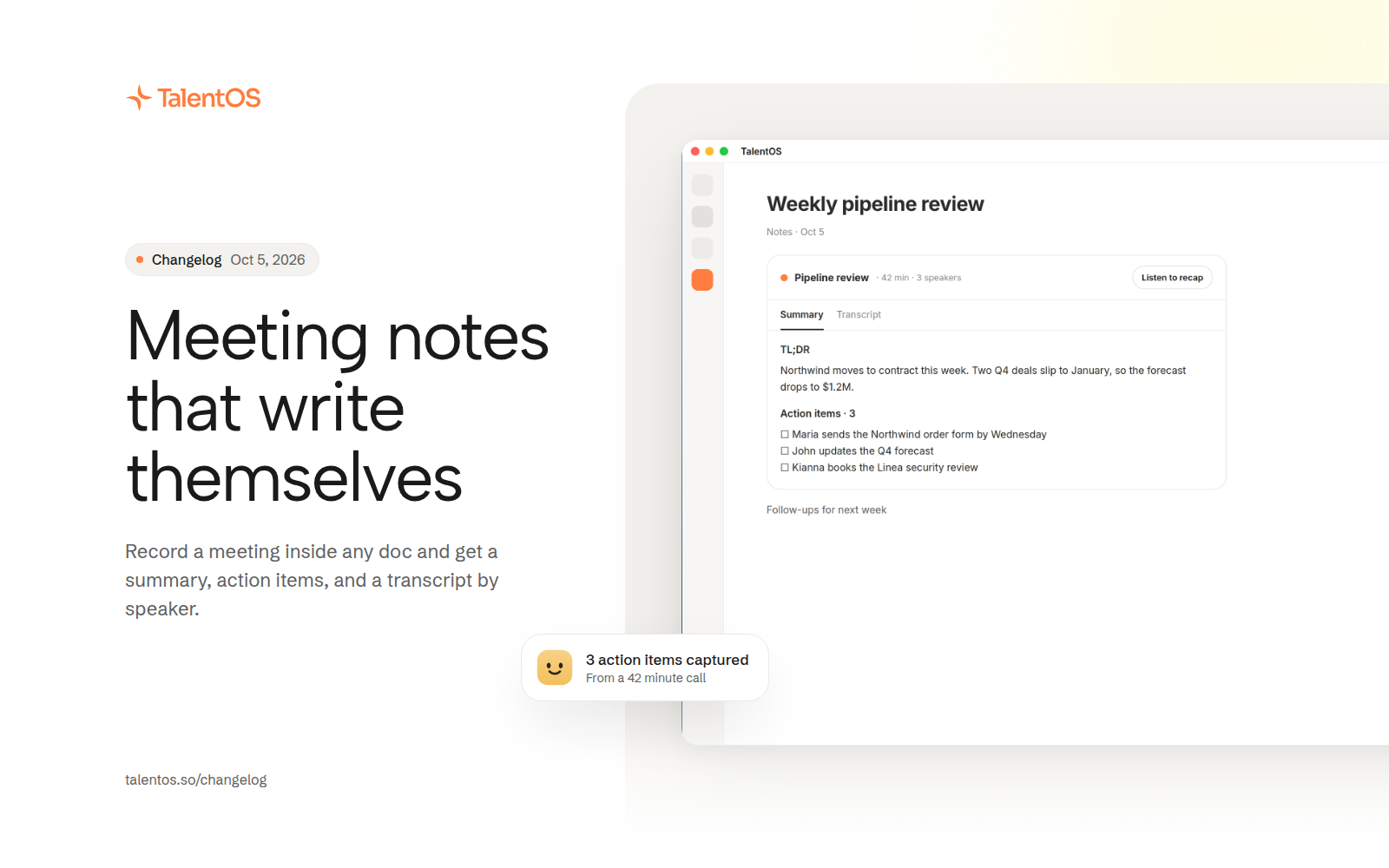
Record a meeting inside any document and get a summary, action items, and a transcript split by speaker.
Start meeting notes from the + menu or type /meeting in a document. Your AI teammate listens, then turns the recording into a short summary, a list of action items, and a full transcript, right where you were writing.
Improvements
- Start meeting notes from the + menu on the home page, in a chat, or in a room, or with /meeting in any document.
- Record up to three hours in one meeting.
- The transcript is split by speaker, so you can see who said what.
- Finished notes show as Summary and Transcript tabs, and fold down to a header when you’re done reading.
- Listen to a spoken recap of the summary.
- No microphone? Paste a transcript instead and get the same summary.
- The recording is deleted as soon as it has been transcribed. The transcript stays private to you.
Fixes
- A blocked microphone or a recording with no speech now explains what happened on the card.
- The notes card keeps a comfortable reading width and never traps your cursor.