Edit documents right where they open
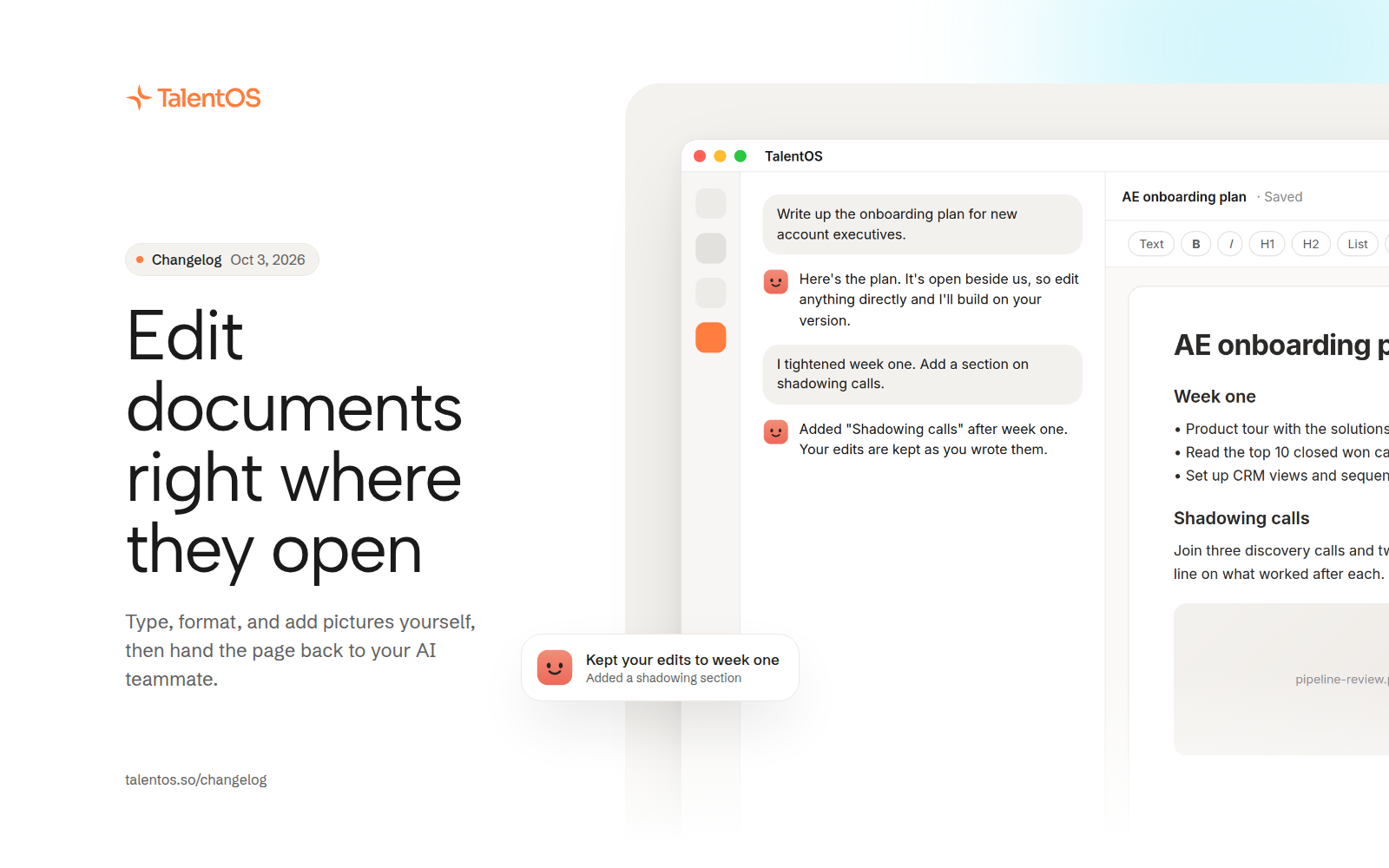
Plain documents open ready to edit, with a formatting toolbar, pictures, and a blank scratchpad beside the chat.
You no longer need to ask your AI teammate for every small change. Documents open ready to type in, and when you ask for more, your AI teammate builds on your version instead of writing over it.
Improvements
- Plain documents are editable in place, with a toolbar that stays put and a slash menu for headings, lists, and checklists.
- Add pictures to any plain document. They come along when you export.
- Open a scratchpad: a blank page beside the chat for notes you want your AI teammate to work from.
- When you edit a document and then ask for changes, your edits are kept. If both sides changed the same part, you’re asked which to keep.
- Decks ask you for the facts only you know, like real numbers or names, instead of inventing them.
Fixes
- Typing is no longer lost across a reload, a second tab, or an autosave.
- A deck edit survives a fast reload.
- Word export is only offered when the document can actually produce a Word file.
- Previews show on first open, and designed documents get working share links.