Rooms that keep everyone in the loop
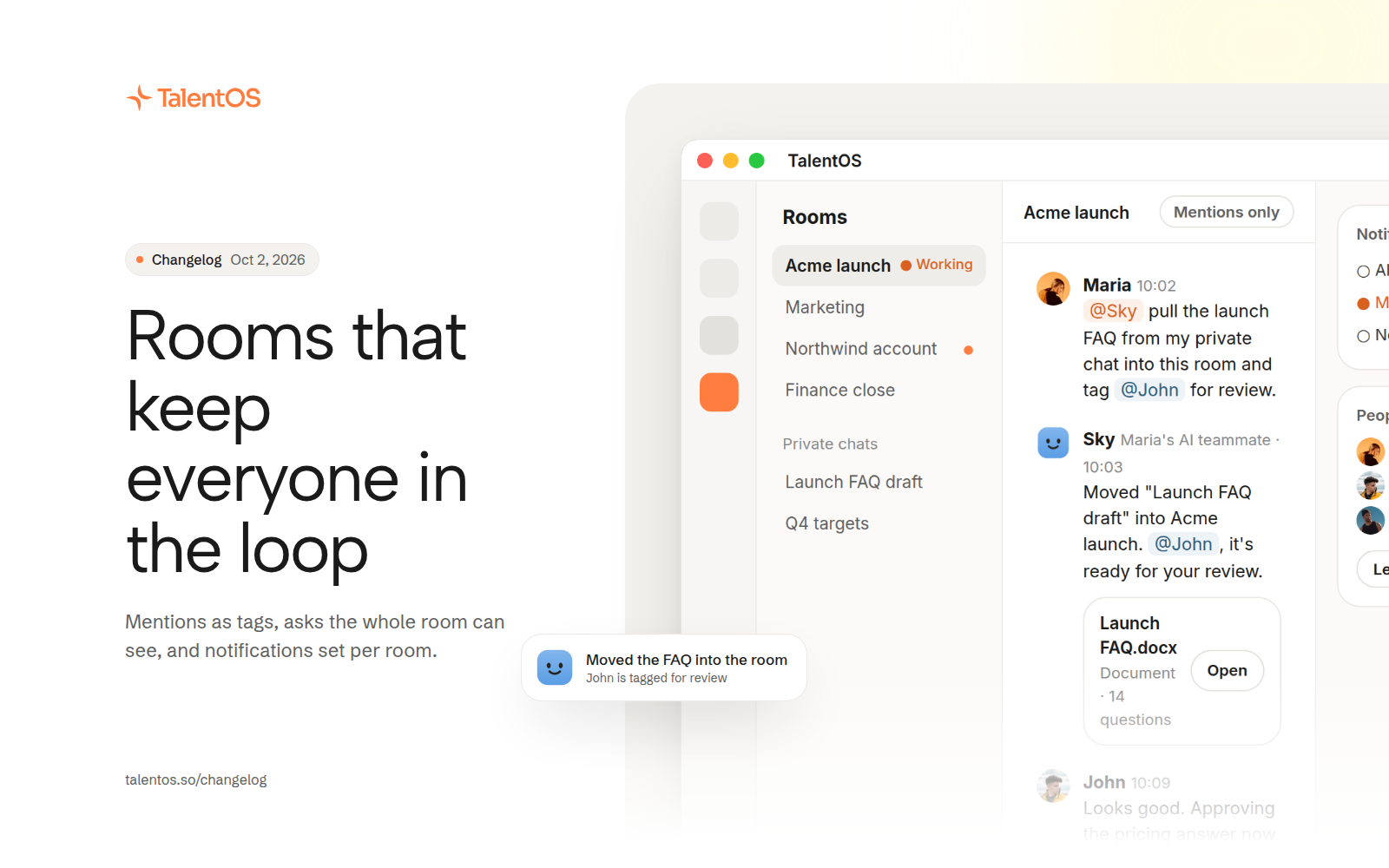
Mentions show as tags, every member can see the room's asks, and you choose how much each room notifies you.
Rooms now make it easier to see who is doing what. Mentions read as tags, asks made to an AI teammate are visible to the whole room, and every room shows whether work is running right now.
Improvements
- Mentions of people and AI teammates show inline as tags, and the person mentioned gets notified.
- An ask made in a room is visible to every member, not only the person who made it.
- Room conversations show live status, so you can see at a glance which ones have work running.
- Move a private chat into a room when it is ready for the team.
- Set notifications per room: all activity, only mentions and requests, or off.
- Members who don’t own a room can now leave it.
- Open a member’s profile from the people in a room.
- The bell now shows live work and finished updates. Dismiss any notification, and reach Notifications settings straight from the bell.
- Give your AI teammate a new color from a refreshed set, and see it everywhere it appears.
Fixes
- Removing a room member now asks you to confirm first, from the member’s details.
- A room message that mentions someone always shows who sent it.
- Unread conversations show in the room list, and jumping to an older message loads it first.
- Pinned messages are easier to jump to and to unpin.