Decks, documents, and web pages with a real look
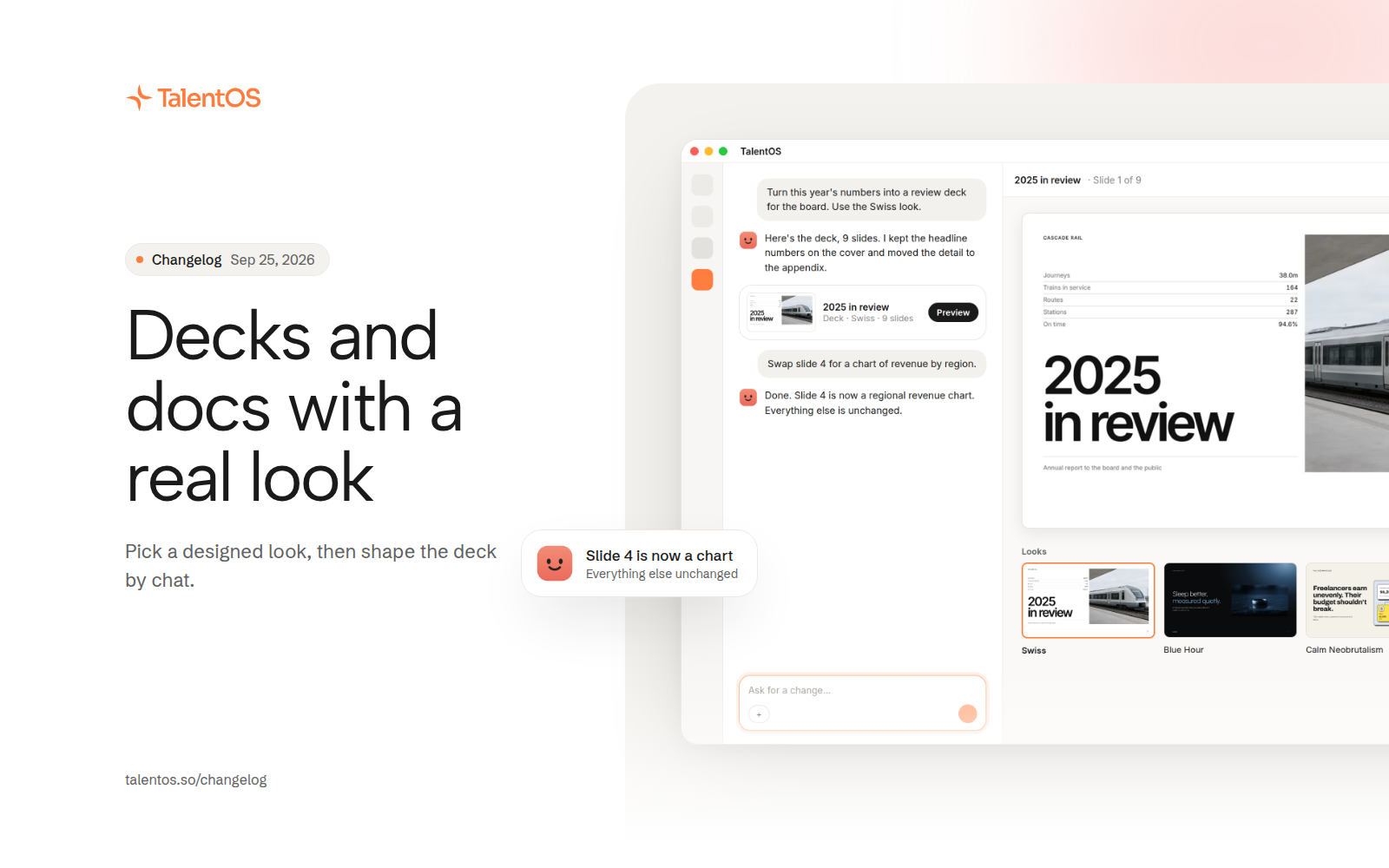
Pick a designed look for decks, documents, and web apps, edit them by chat, and share them outside your company with links you control.
Everything your AI teammate makes now starts from a designed look instead of a blank page. Pick one from Home or the Marketplace, describe what you need, and get something you would actually send.
Improvements
- New deck looks: TalentOS (now the default), Swiss, Calm Neobrutalism, Blue Hour, Pastel Lines, and Operations Update.
- Documents have looks too, starting with Clarity. PDF is folded into Document, and every designed document exports as a PDF.
- Web apps get five looks of their own, and the Web app option now sits in the main make row on Home.
- Ask for changes in chat and your AI teammate edits the deck you already have, replacing or inserting whole slides when needed.
- Export a deck from one menu, with a preview while it is being prepared.
- Share a deck outside your company and attach its PPTX, or share any artifact to a Slack channel.
- Share links can expire. Choose how long a link lasts, renew it, and see which links need attention.
- Browse every look in the Marketplace, where presentations can be added as editable copies.
- Report a bug from inside the app and paste screenshots straight into the form.
Fixes
- A deck opened from chat has a clear way back.
- A designed document always opens to its design, never a missing file message.
- Asking for a “document” no longer drops you into a plain Word file by accident.
- The Download menu no longer wraps every row.