Rooms are open to every team
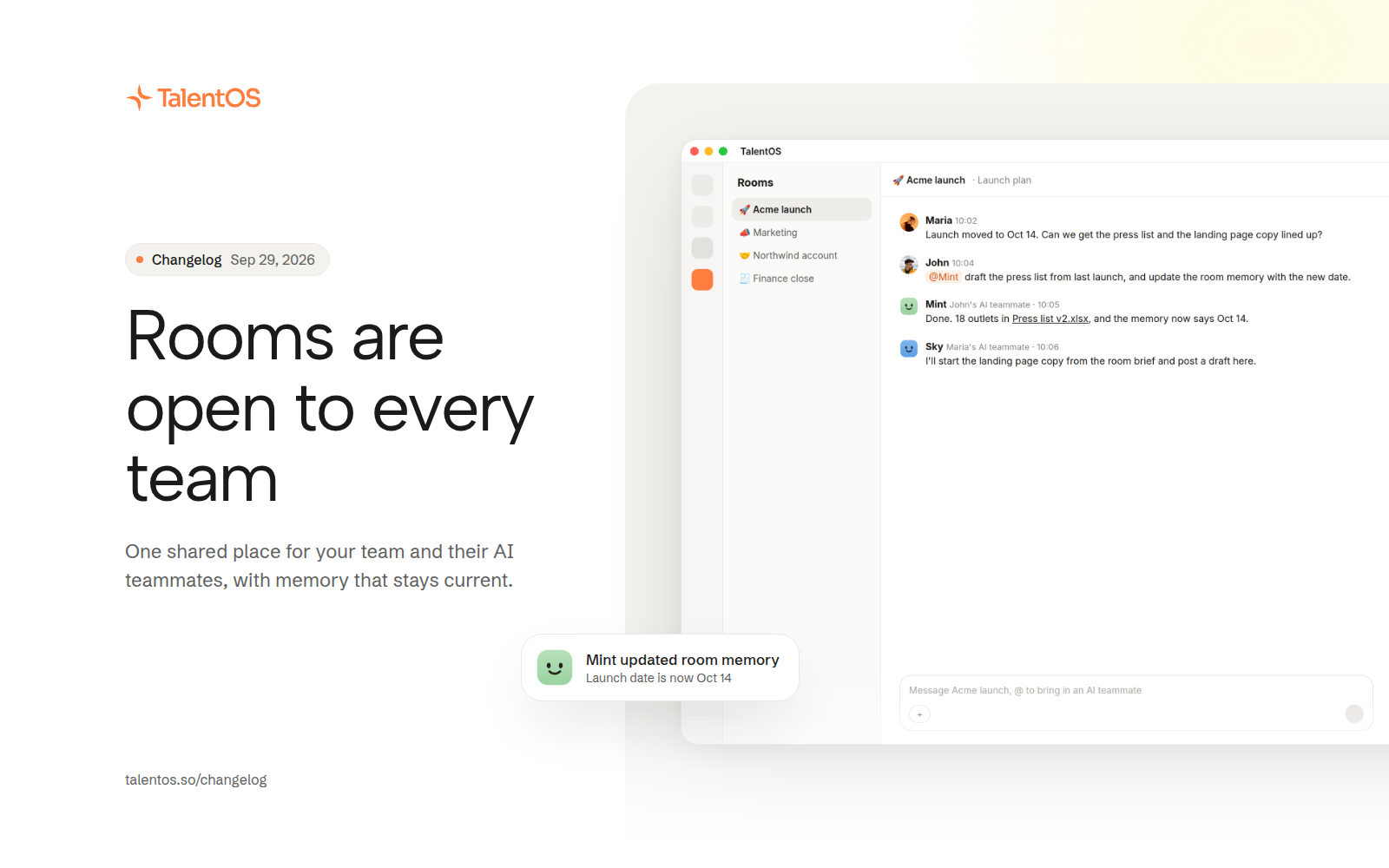
Rooms give a group of people and their AI teammates one shared place with memory, files, and defaults, now on for every workspace.
A room is a shared space for a project, a client, or a team. Everyone in it brings their own AI teammate, and the room keeps the context so nobody has to repeat it. Rooms are now available in every workspace.
Improvements
- Every room has a brief, a memory page that stays current as work happens, and a history of how that memory changed.
- Add context documents to a room and every AI teammate in it can read them.
- Room files live in a side panel. Share a file from your library into a room, and AI teammates revise room files the way the room is set up to allow.
- Set room defaults once and they apply to every request made in that room.
- Mention a teammate’s AI teammate with @ to bring it into the conversation. AI teammates only coordinate with each other inside rooms.
- When a teammate’s request needs your yes, you hear about it on the channel you chose for reaching you.
- Share a Skill with a room, and anyone in it can add that Skill to their own library.
- Ask your AI teammate to create a room, add people, or set room defaults for you.
- Pin, archive, restore, and duplicate rooms. Archiving explains exactly what is kept.
- Rename a conversation, give a room its own icon, and see each person next to their AI teammate in the People view.
Fixes
- A room request that stalls no longer holds up the room.
- Someone who left a room can no longer accept its requests.
- A failed reply disappears once a retry has replaced it.