Watch room answers as they are written
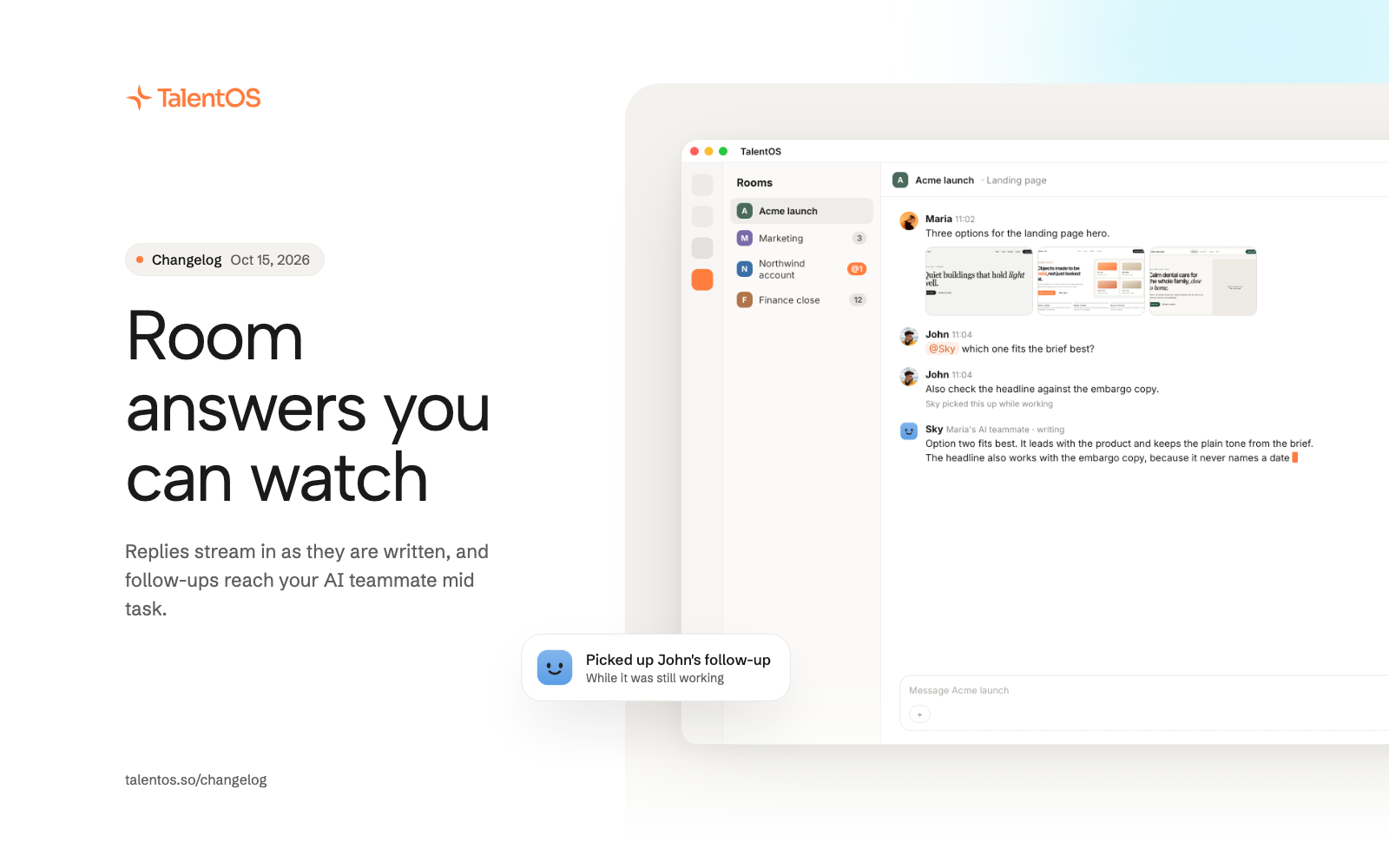
Room replies stream in as your AI teammate writes them, follow-up messages reach it mid task, and rooms show unread counts and mention badges.
Rooms now feel as live as a private chat. You can read an AI teammate’s answer while it is being written, and anything you add while it works reaches it right away.
Improvements
- AI teammate replies in rooms stream in as they are written.
- Send another message while an AI teammate is working in a room, and it picks it up without waiting for the next turn.
- Each room shows an unread count and an @ badge when you are mentioned, and the browser tab title shows when something is unread.
- Photos shared in a room appear as a grid and open in a full viewer.
- React with any emoji from the full picker, on desktop and phone.
- Message actions sit right beside each message.
- The @ picker groups people and AI teammates in one list.
- The member list shows recent activity in the room.
- Ask your AI teammate to tidy up a room for you: rename it, update its brief or icon, start or rename a conversation, post a message, or share one of your files. Each action follows your Permissions settings.
Fixes
- A message you send while older history loads stays in view.
- Messages sent before a room finishes loading keep their order.
- Mentioning a person right after an AI teammate answers no longer sends your message to that AI teammate too.
- Streaming replies show clean formatting, never raw markup.