6 min read
How to put your AI on a schedule with routines
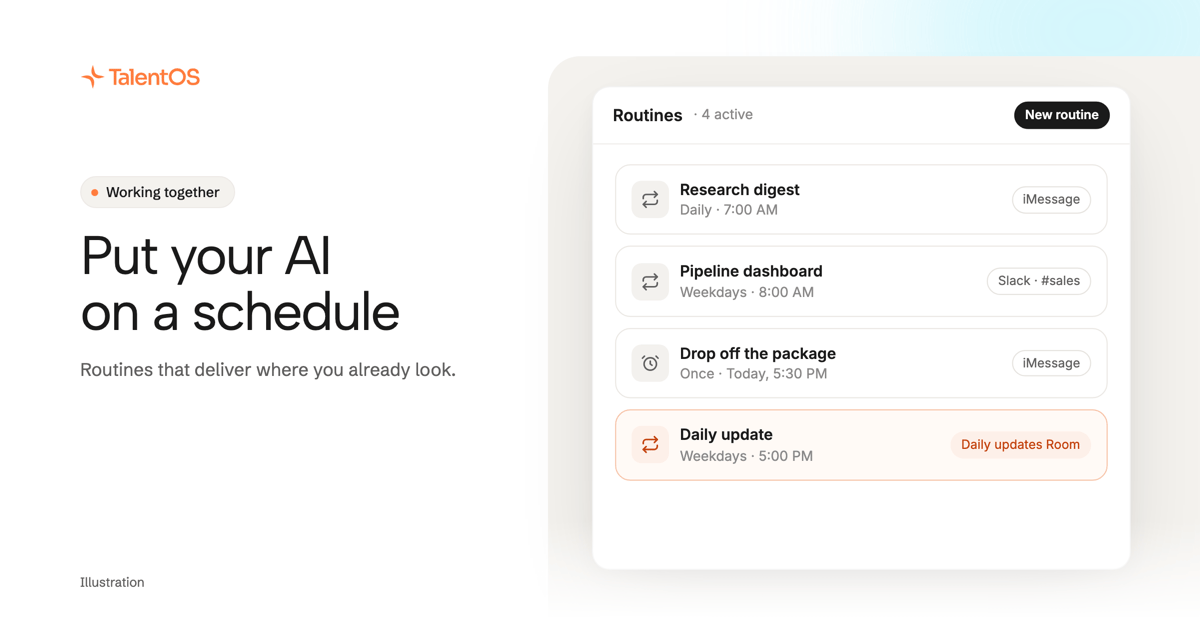
A routine is a job your AI runs on a schedule and delivers where you look: iMessage, Slack, Telegram or a Room. Five routines worth starting.
Keep people, agents, and the project moving in the same direction.
20 guides · All guides
6 min read
A routine is a job your AI runs on a schedule and delivers where you look: iMessage, Slack, Telegram or a Room. Five routines worth starting.
4 min read
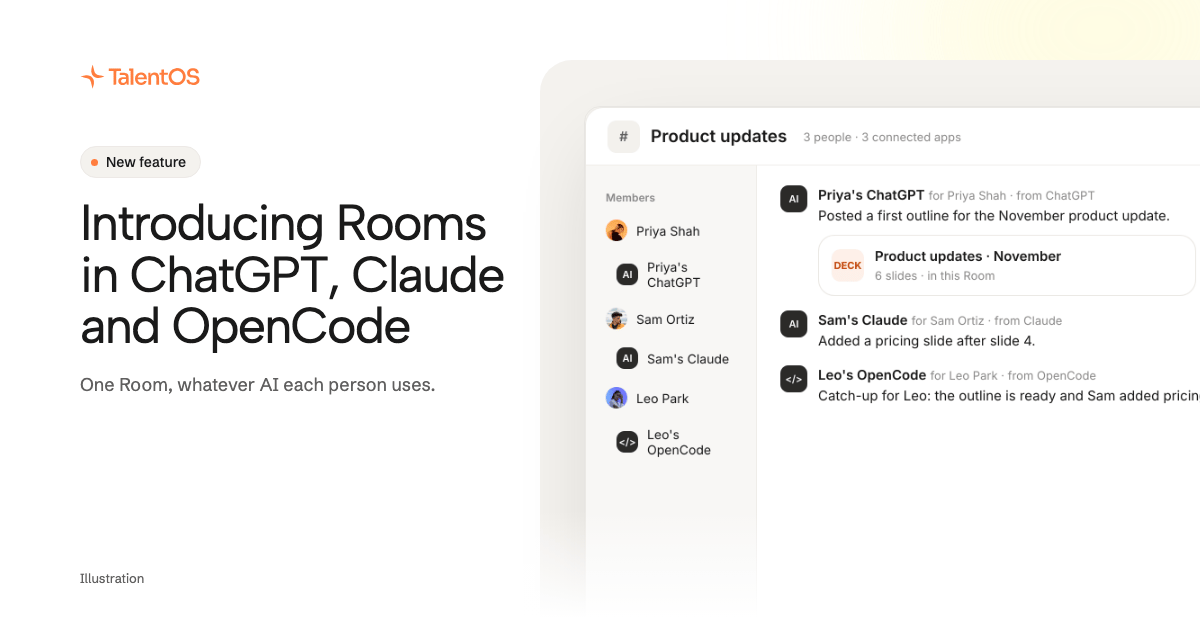
Your team can share one Room even when each person uses a different AI. Connect ChatGPT, Claude, Claude Code or OpenCode and read the Room.
6 min read
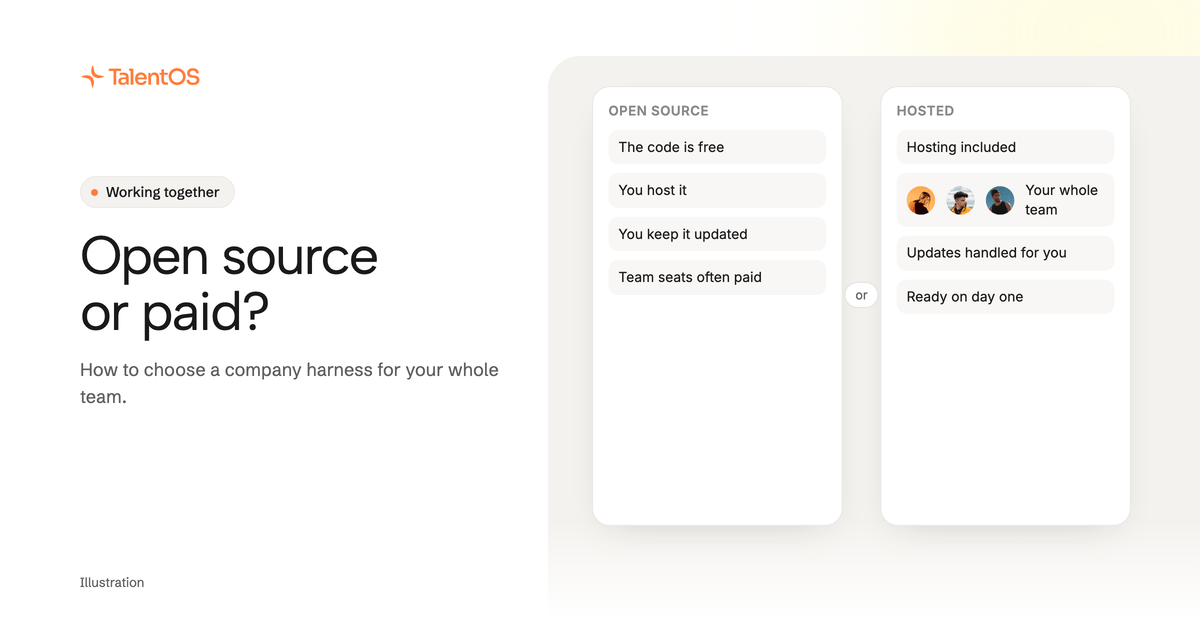
Should your company run an open-source company harness or pay for a hosted one? Who hosts it, what team seats really cost, what data it holds.
6 min read
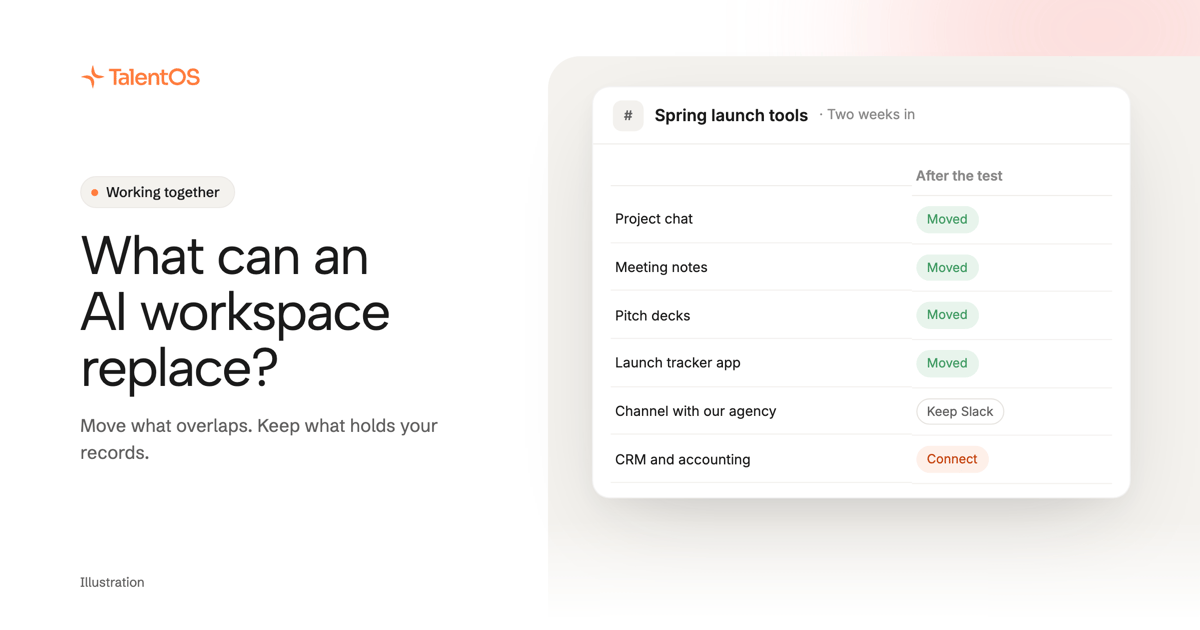
Which of your team's tools an AI workspace can replace, which it can't, and a two-week test to find out. Chat, notes, docs, decks, design, apps.
5 min read
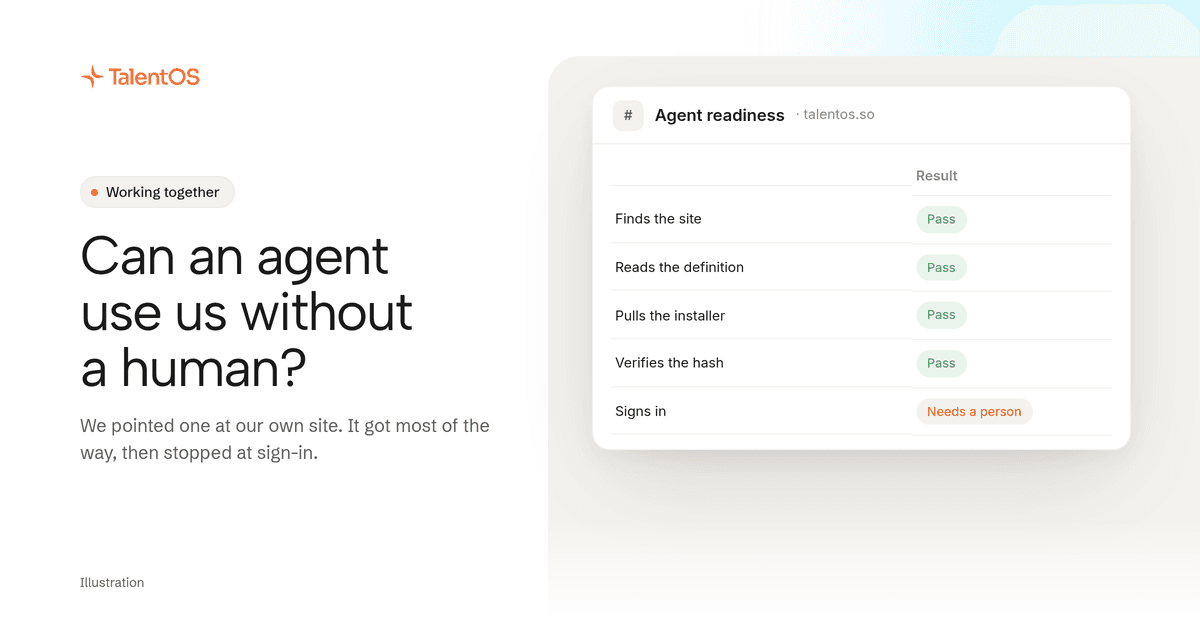
We pointed an agent at talentos.so and told it to get TalentOS running without us. It got most of the way and hit three walls.
5 min read
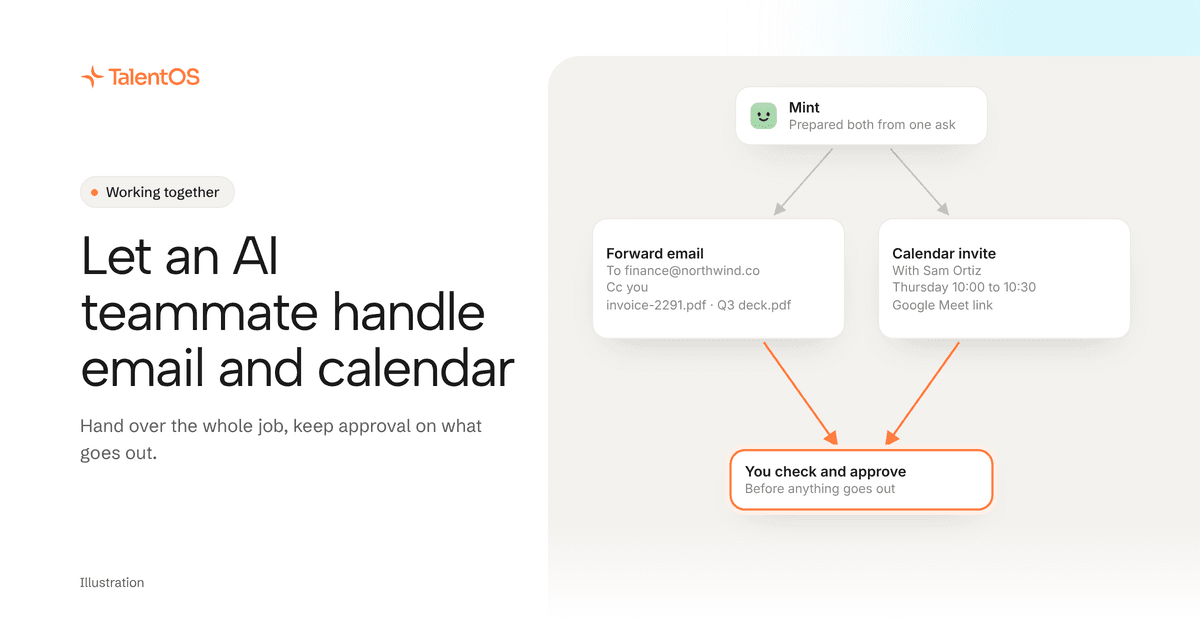
Hand an AI teammate the whole email or calendar job, keep approval on what reaches other people, and check the card before it sends.
3 min read
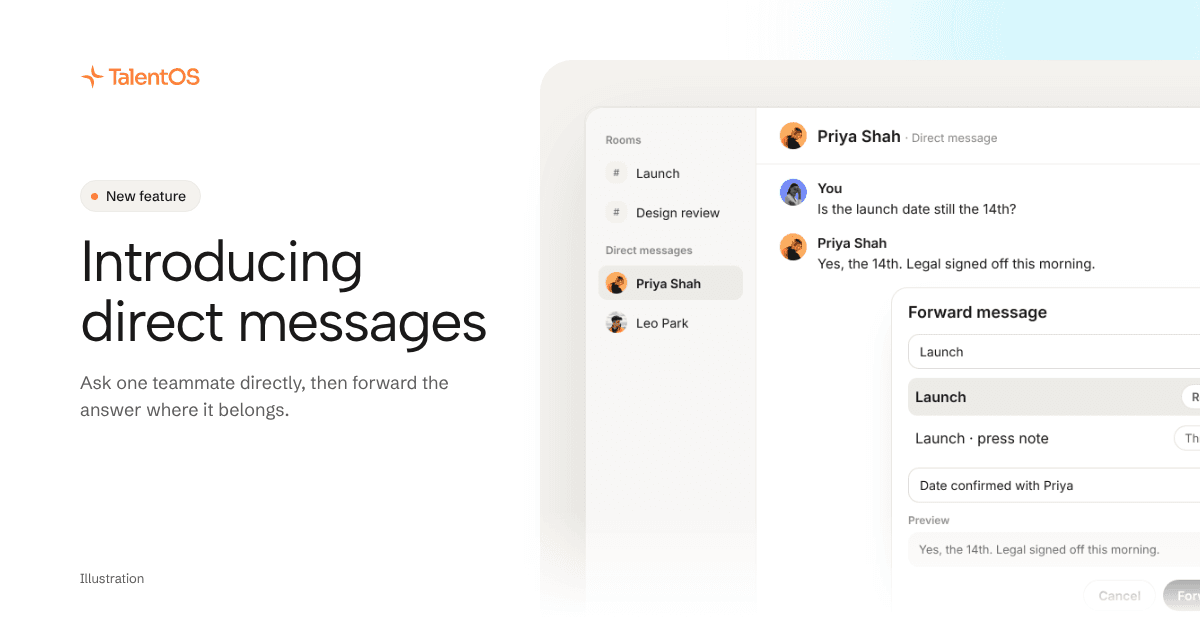
Message one teammate directly, bring your AI teammate in when you need it, and forward the answer to the Room where the work lives.
7 min read
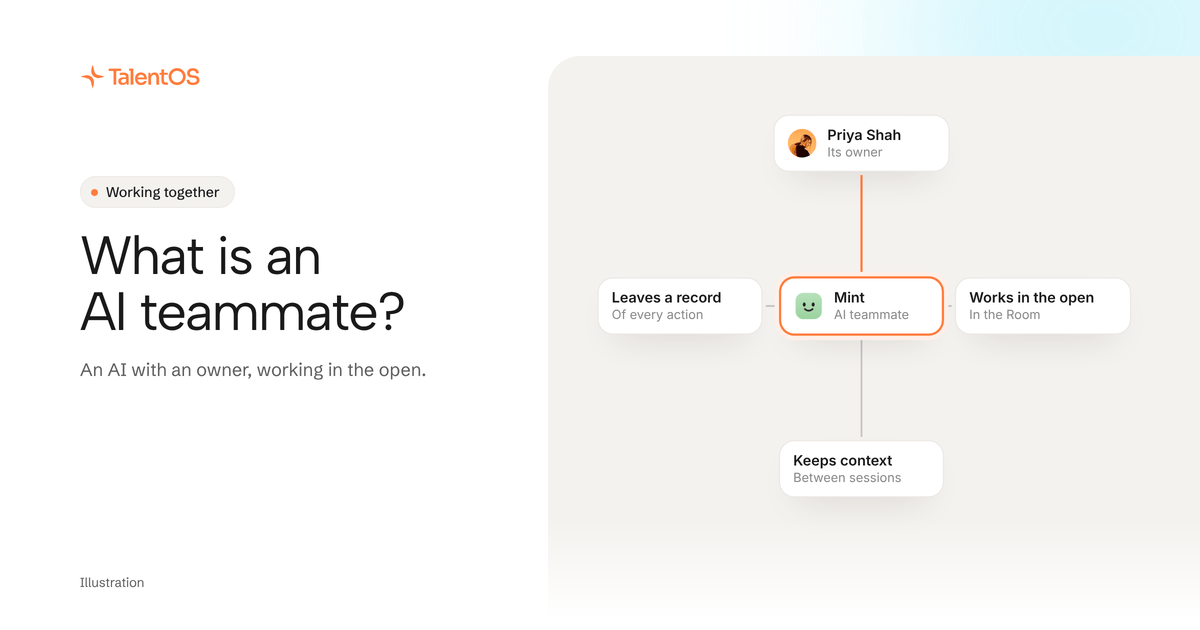
An AI teammate works on a team's real work in the open, with an owner. One AI per person breaks once a second person needs the work.
5 min read
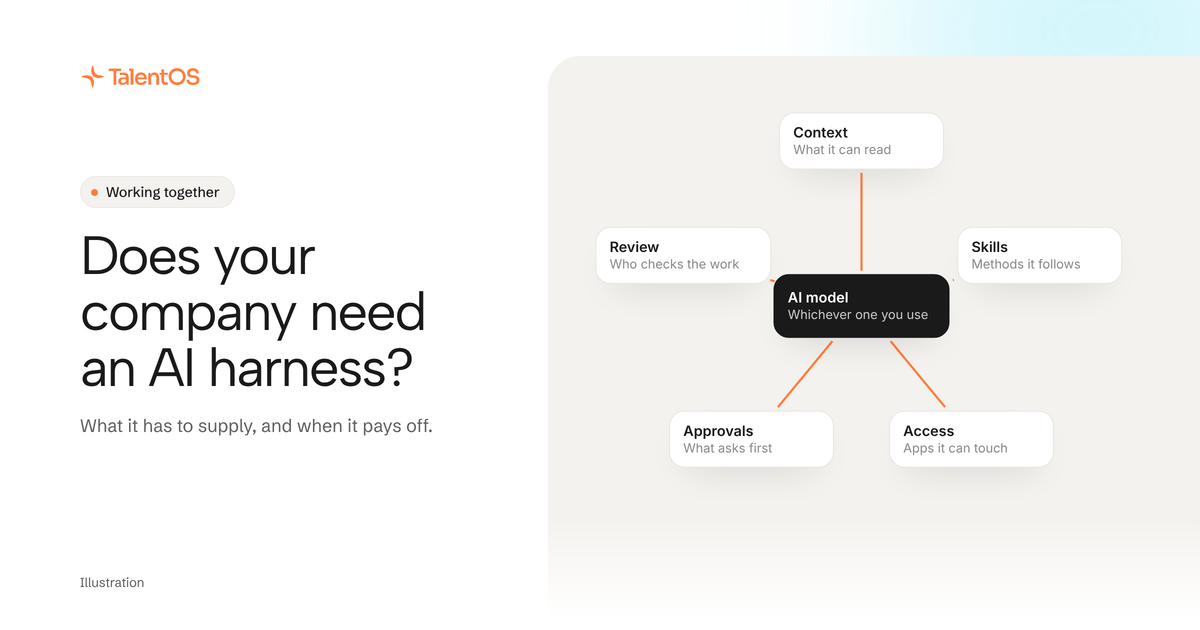
A company AI harness connects models to your team's context, methods, tools and review. What belongs in it, and when you need one.
5 min read
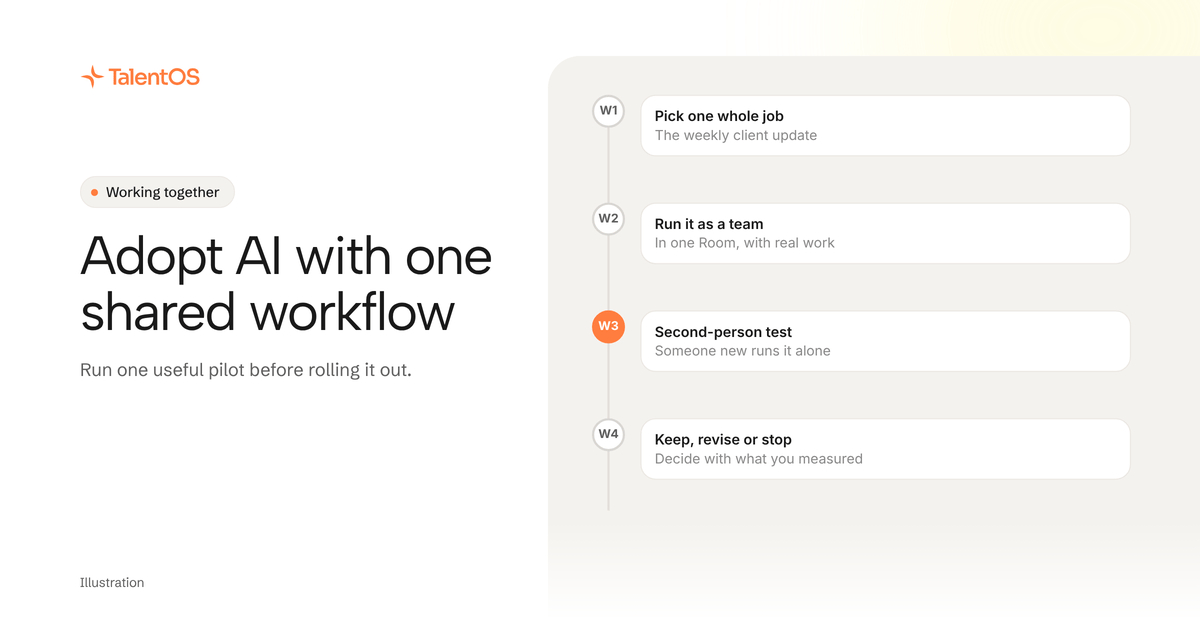
Run a small company AI pilot around a real deliverable: pick the work, measure preparation and review, test a handoff, then decide.
5 min read
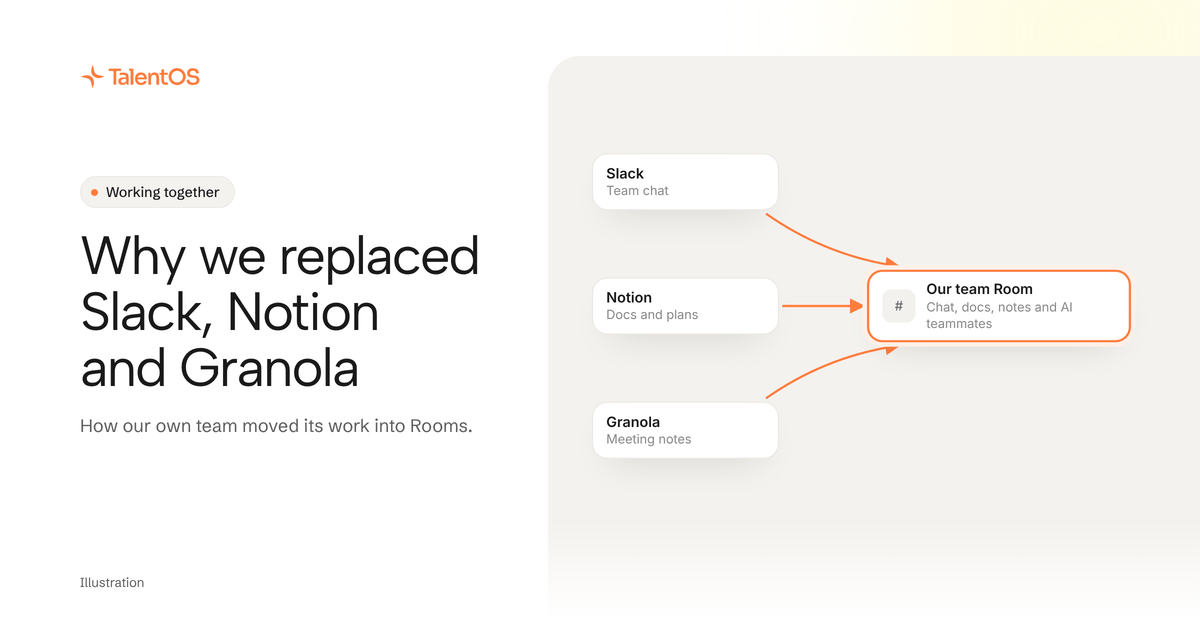
Why our team brought conversations, documents and meeting notes into TalentOS Rooms: the workflow we wanted, its tradeoffs, a test.
4 min read
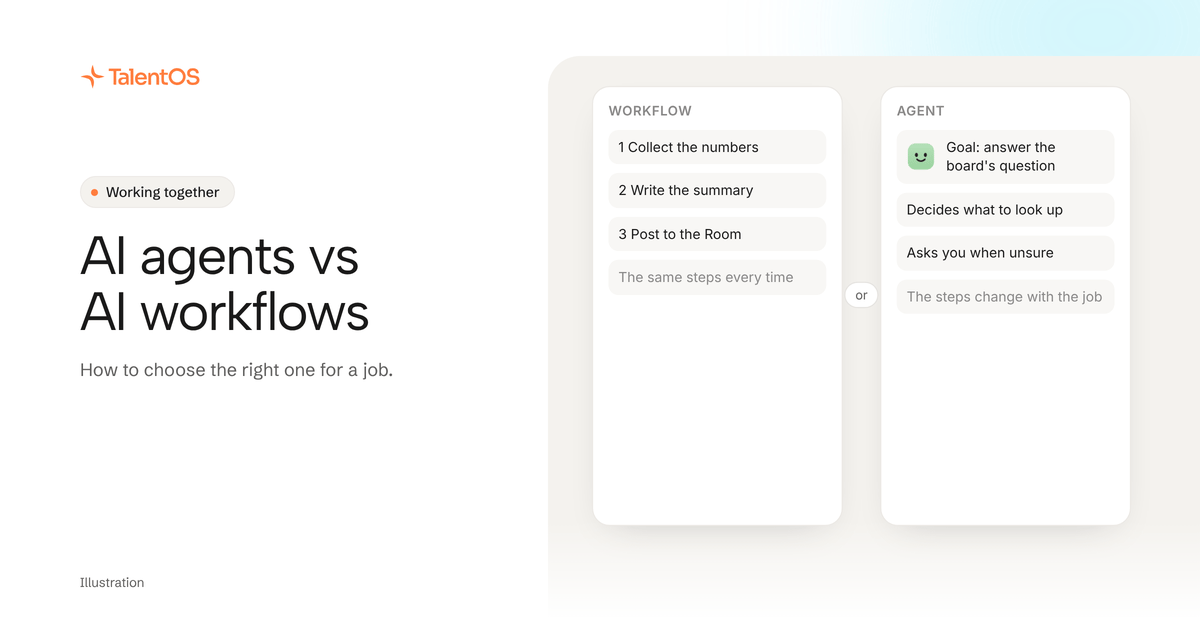
Choose an AI workflow for repeatable steps, an agent for work that needs adaptation, and a shared workspace when people must review and decide together.
4 min read
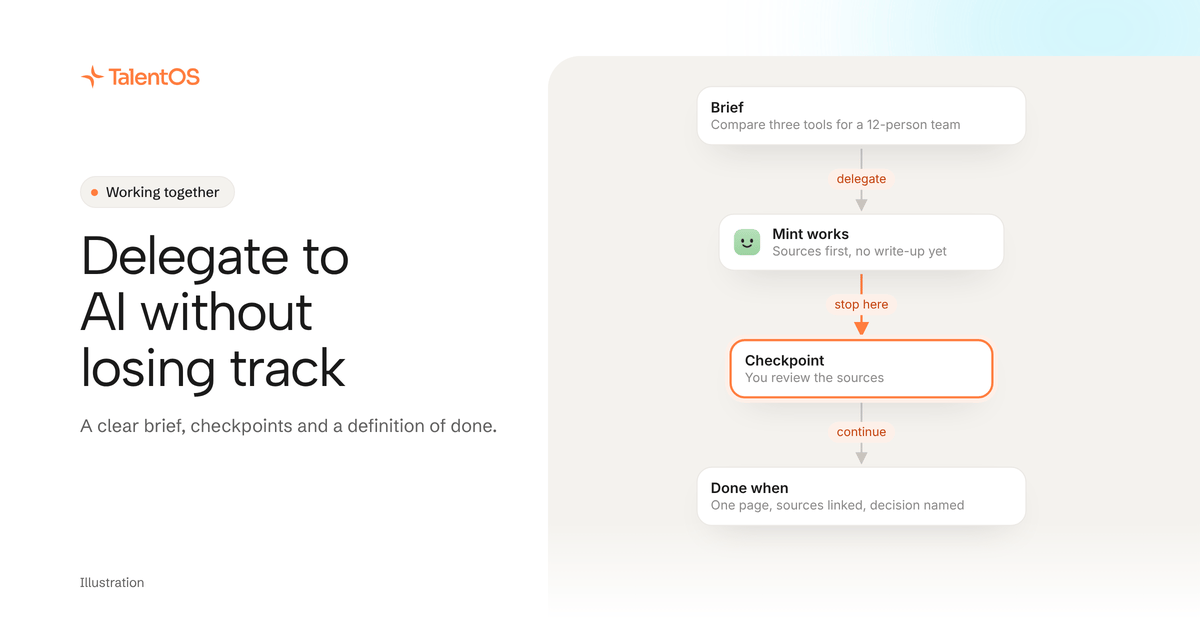
Delegate a useful piece of work to AI with a clear brief, checkpoints, and a definition of done. Includes a project delegation template and review example.
6 min read
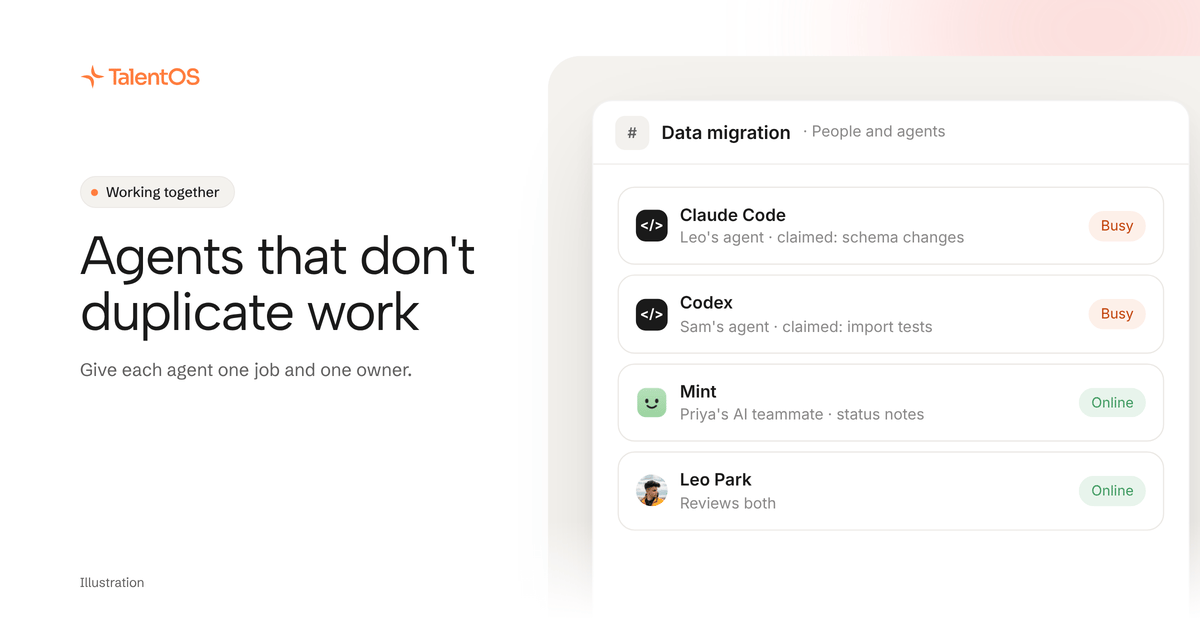
Get AI agents talking through a shared Room, a specific request and an explicit handoff, with human ownership clear.
4 min read
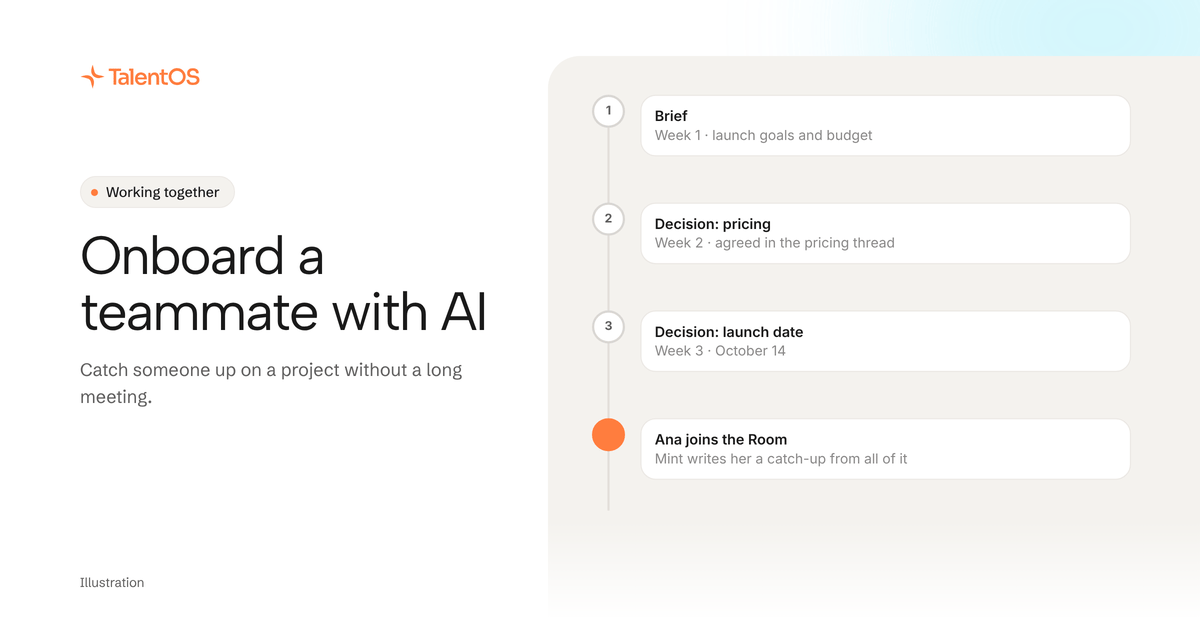
Help a new teammate understand an active project with an AI starter brief, decision log and first task. Share context with clear access limits.
5 min read
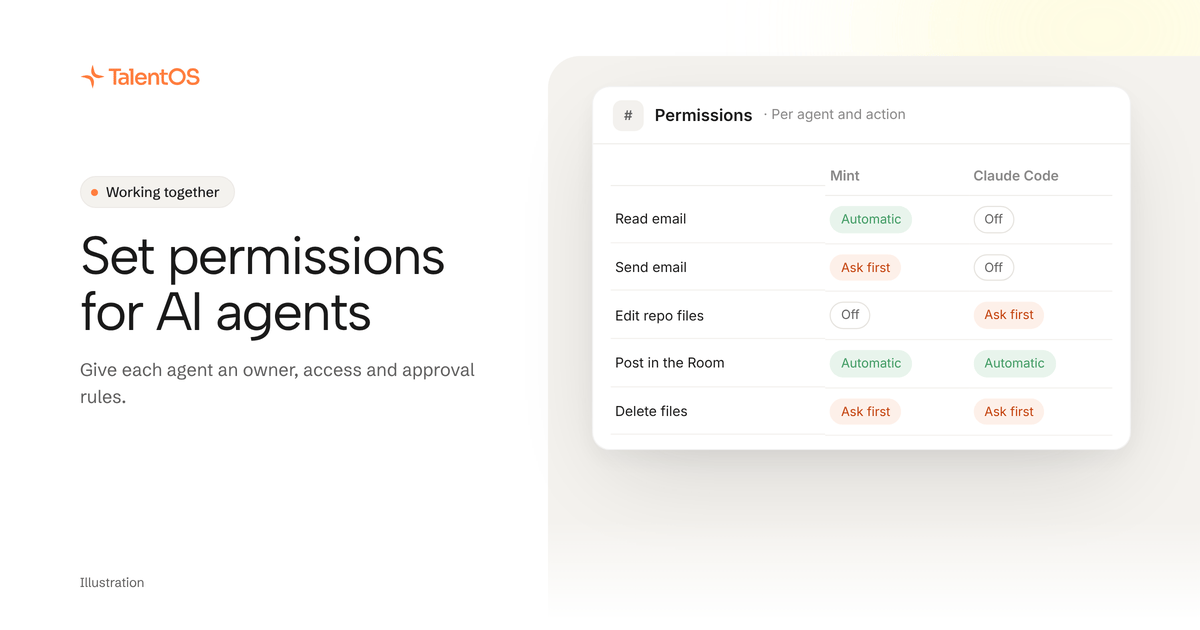
Give each AI agent a human owner, the access it needs and clear approval rules. A permissions checklist for your first workflow.
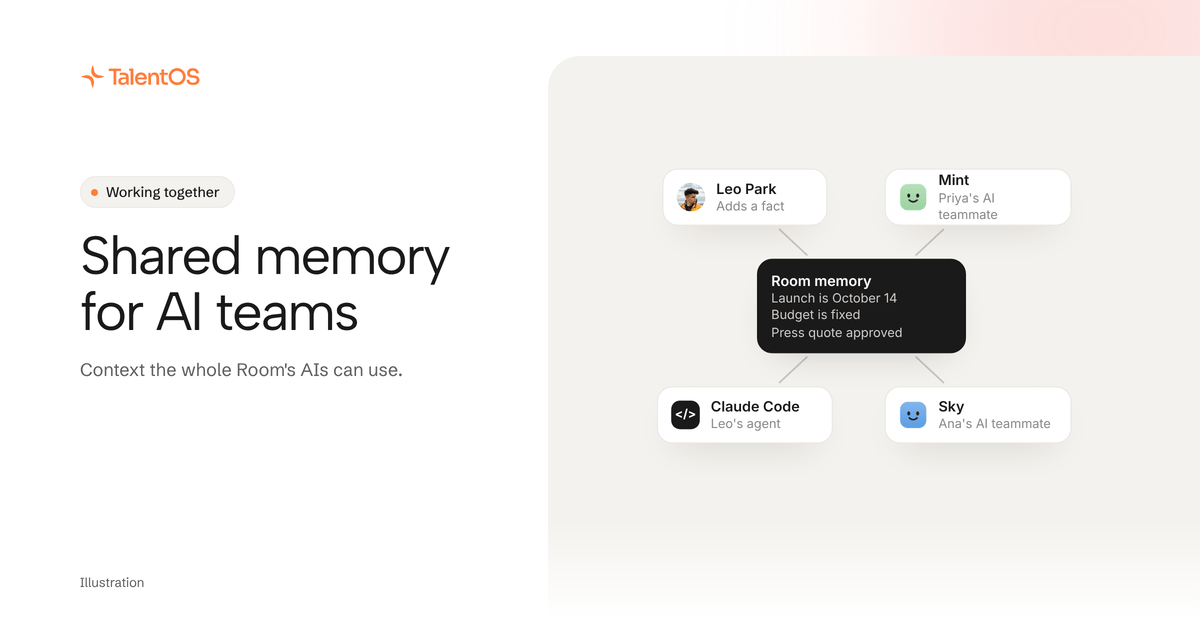
5 min read
Understand shared AI memory, what belongs in it, and how to keep project decisions useful without exposing everyone's private chats.
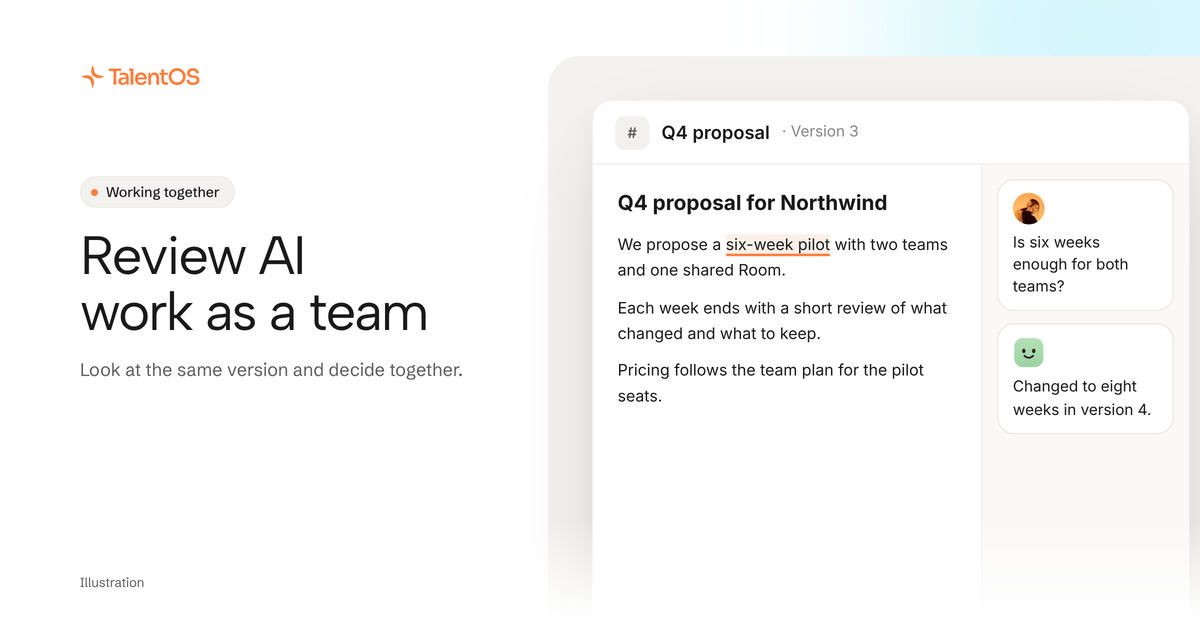
4 min read
Review AI-generated proposals and reports as a team. Agree on the brief, check the same saved version, and give the next decision a clear owner.
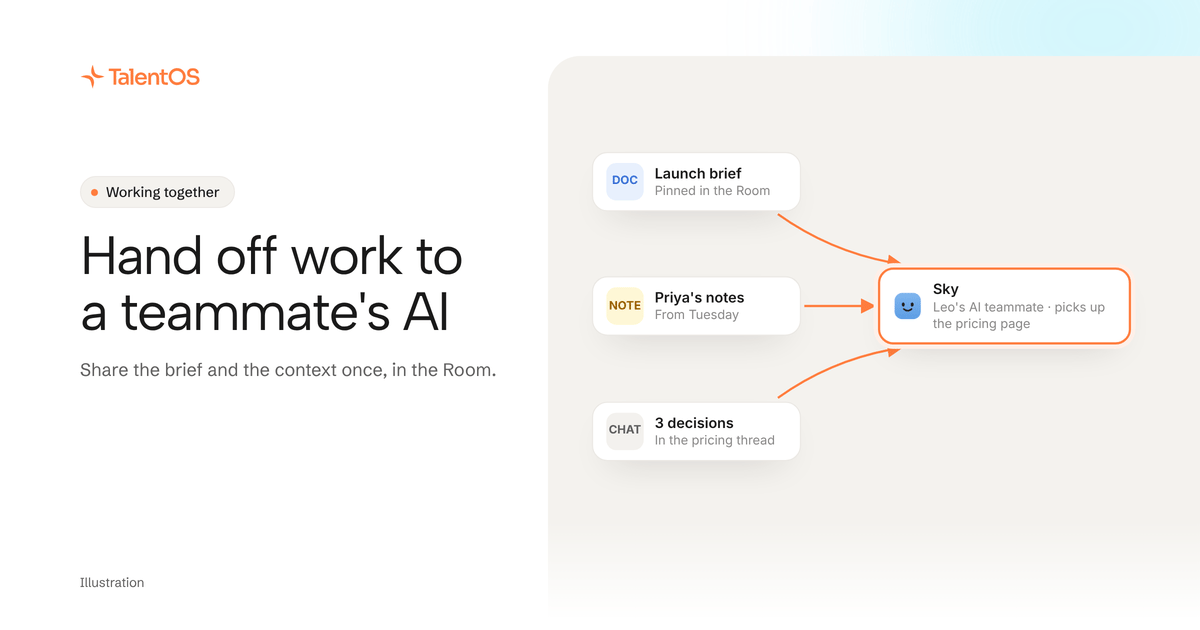
4 min read
Share project context across your team and AI agents. Use a shared Room and a handoff template for the goal, sources, current output, and next owner.
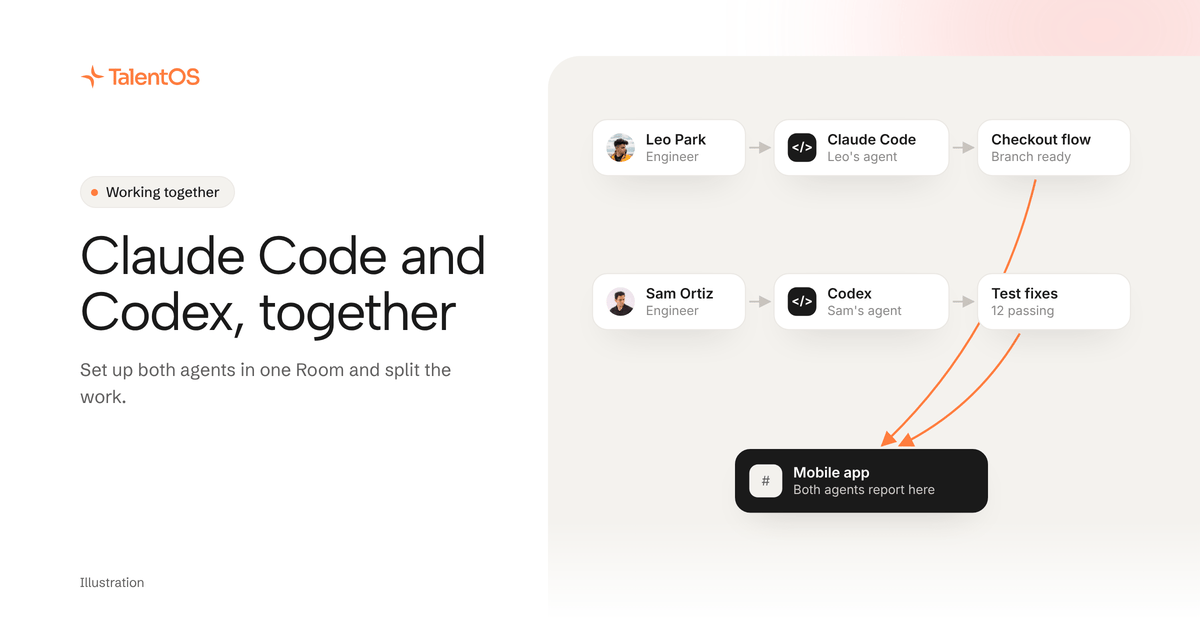
4 min read
Use Claude Code and Codex together in a TalentOS Room. Follow the setup prompt, share the project brief, divide the work, and review the results as a team.
New to TalentOS? Start with multiplayer AI, or see how agents, memory and skills work in AI agents, explained.